
About SpriteArk
A native Mac workbench for indie game art
We build tools that simplify the repetitive parts of game art production. SpriteArk combines asset browsing, local image processing, AI generation, and MCP automation in a single native macOS app.
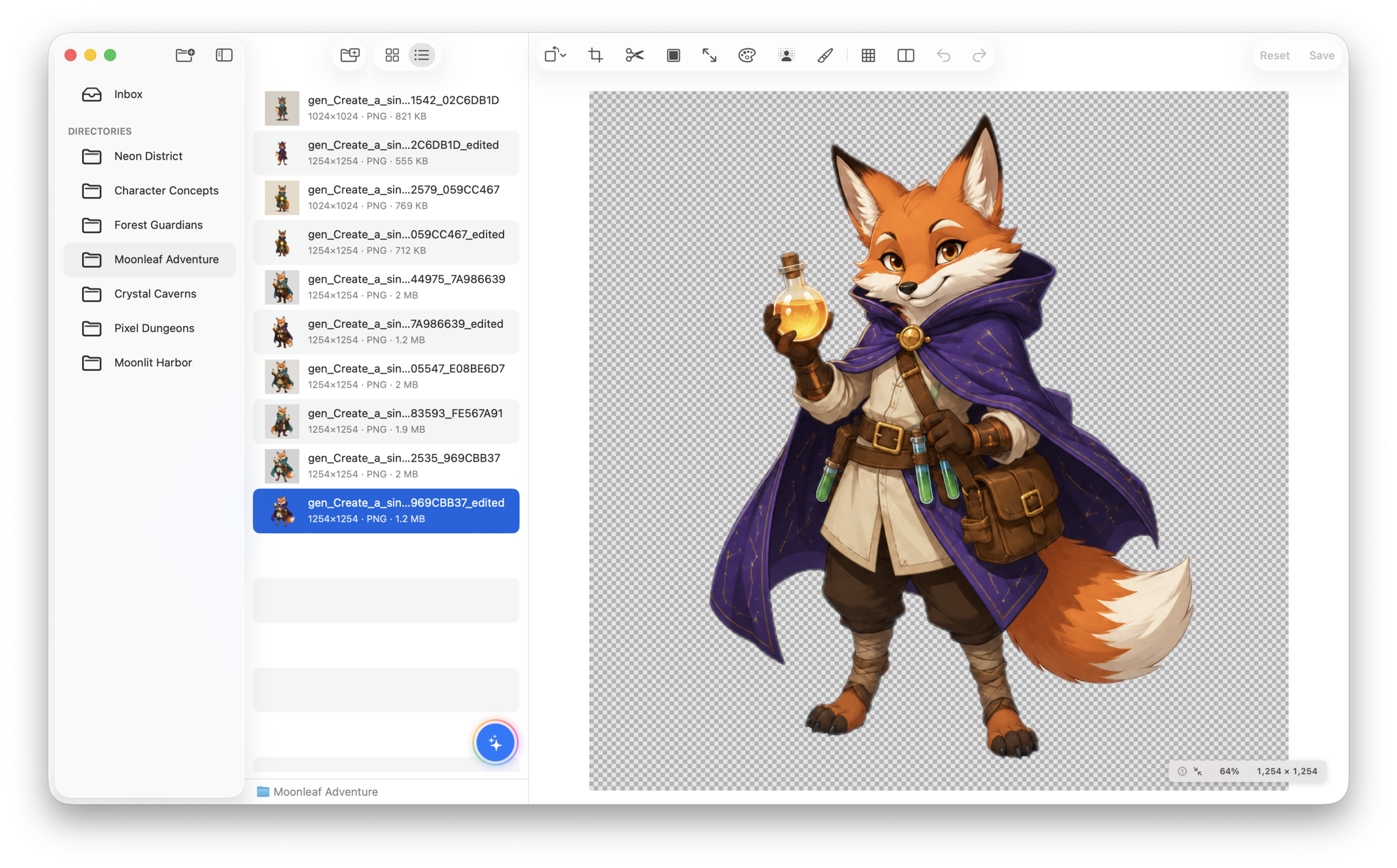
What SpriteArk focuses on
Core design principles
Every feature is designed around real indie game dev workflows.
Local-First Processing
Background removal, upscaling, slicing, and editing all run on your Mac. No cloud dependency for core work.
AI When You Need It
Connect your own API keys to generate, edit, and analyze images. You control what goes to the cloud.
MCP Native
Control SpriteArk from AI coding tools like Cursor and Claude Desktop. Automate asset workflows naturally.
File System Native
Work directly with your project folders. No import databases, no proprietary formats, no lock-in.
Apple Silicon Optimized
Built with SwiftUI and Core Image. Leverages Vision framework and Metal for fast, efficient processing.
Privacy Respecting
Core editing stays on-device. Optional remote AI tasks send their inputs directly to a Provider only after you review its Base URL and enable it.
How we build
Product decisions are guided by the constraints of small game teams.
- 1
Shipped over Shiny
We optimize for outputs you can drop into a game engine, not one-off demos or social media posts.
- 2
Your Keys, Your Cost Control
Remote AI features use your own API keys. No opaque credit systems — you pay your provider directly.
- 3
Offline by Default
Core editing and processing work without internet. Contact support@spriteark.com if you have questions.
Need help?
Get in touch
Email us at support@spriteark.com for usage questions, bug reports, or feature requests.
Interested in SpriteArk for your studio or toolchain? Reach out and let's talk.