· Tutorials · 2 min read
Automate Your Art Pipeline with SpriteArk's MCP Tools
Learn how to connect SpriteArk to your AI coding environment and automate game asset workflows.
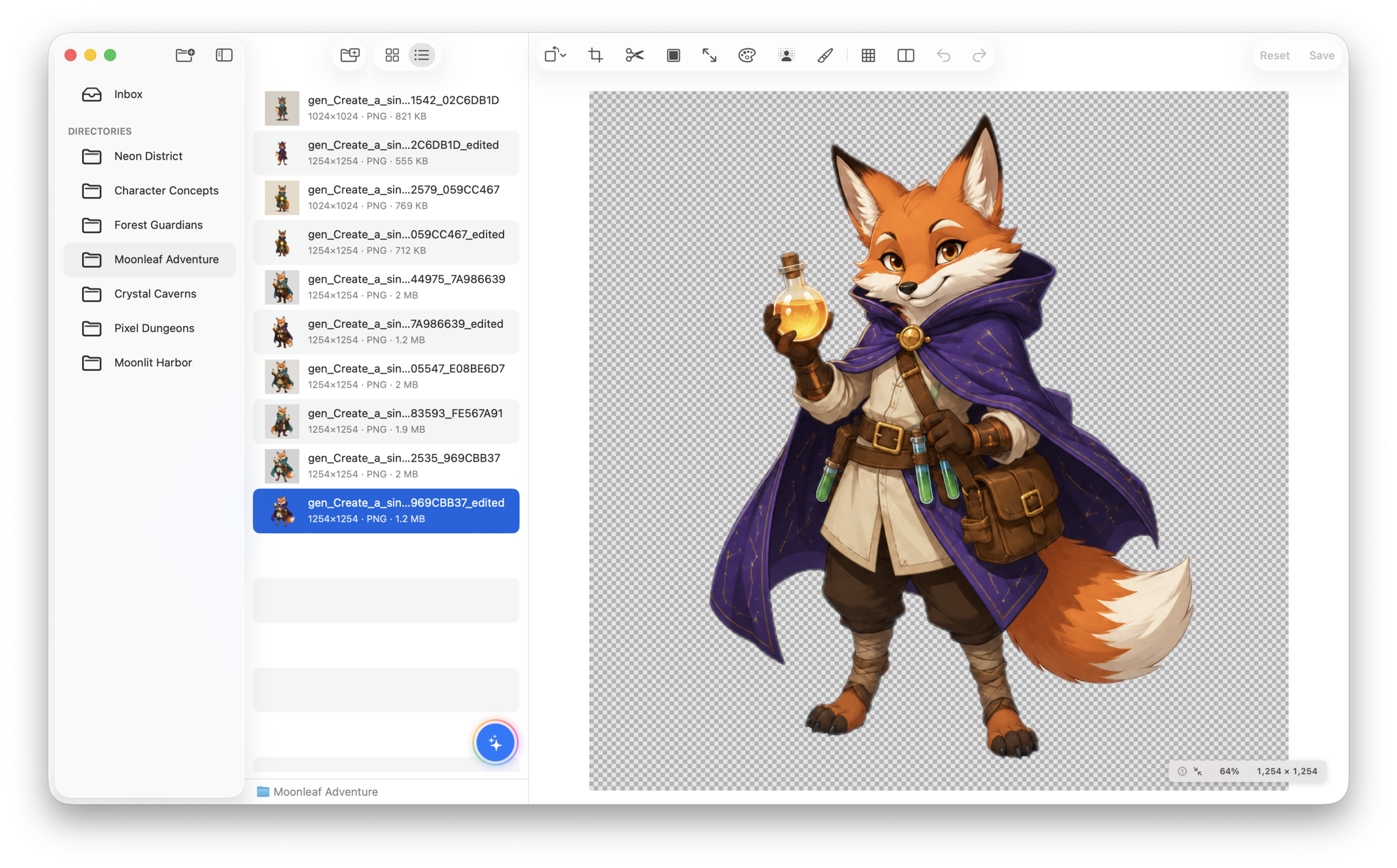
SpriteArk isn’t just a standalone editor — it exposes built-in tools via the Model Context Protocol (MCP), letting your AI coding assistant handle art pipeline tasks directly.
What is MCP?
The Model Context Protocol is an open standard that lets AI applications call external tools. SpriteArk acts as an MCP server, meaning Cursor, Claude Desktop, or any compatible client can invoke SpriteArk’s editing tools programmatically.
Setup
Stdio Mode (Recommended)
Add SpriteArk’s MCP helper to your AI client’s configuration. For Cursor, use this complete MCP configuration:
{
  "mcpServers": {
    "spriteark": {
      "command": "/Applications/SpriteArk.app/Contents/MacOS/spriteark-mcp"
    }
  }
}
No separate server setup is required. The helper communicates with your AI client over stdio and automatically launches or connects to SpriteArk.
Available Tools
SpriteArk exposes tools for common game art operations:
- get_asset_info — Read image dimensions, format, color space, and metadata
- crop_image — Crop to specific regions or aspect ratios
- rotate_image / flip_image — Transform orientation
- resize_image — Scale with various algorithms
- remove_background — Apple Vision subject segmentation
- upscale_image — Lanczos or nearest-neighbor upscaling (2–4×)
- slice_spritesheet — Extract individual frames from spritesheets
- convert_format — Save as PNG, JPEG, HEIC, etc.
- generate_image / inpaint_image — AI generation and editing
- analyze_image — Vision-based scene classification and analysis
- trim_image — Remove transparent borders
- adjust_image — Brightness, contrast, saturation, hue adjustments
- replace_color / extract_palette / swap_palette — Generate color variants
- add_outline / add_padding / extrude_edges — Prepare sprites for atlases
Example Workflow
Ask your AI assistant:
“Remove the background from all PNG files in
assets/characters/, upscale them 2× with nearest-neighbor scaling, and save toassets/characters/processed/.”
The AI will call SpriteArk’s MCP tools sequentially — no manual editing needed.
Pro vs Free Tools
All MCP tools require an active Pro subscription, introductory trial, or Lifetime purchase.